July 9, 2026
Why the ASD's Latest Cyber Alert is a Wake-Up Call for Australian WordPress Owners
Author
A Safer, Lower-Maintenance Alternative
This relentless game of cat-and-mouse is exactly why we build client websites on a secure, fully managed platform rather than a stack of self-hosted plugins. On a managed system there are no unmanaged third-party plugins to fall behind on updates, and no exposed server directories for attackers to drop a web shell into. When a threat emerges globally, the platform's own engineers patch the core system centrally, behind the scenes — so our clients are protected almost immediately, without anyone having to scramble.
Australian Government cyber alert: is your website exposed?
The Australian Signals Directorate's Australian Cyber Security Centre (ASD's ACSC) has issued a Critical Alert warning of a large scale cyber campaign targeting organisations running popular Content Management Systems (CMS), including WordPress.
This isn't a newly discovered WordPress vulnerability. Instead, attackers are actively scanning the internet for websites running known but unpatched vulnerabilities. Organisations that haven't kept their websites updated may be exposed to compromise.
For many organisations, a compromised website can become a business continuity, customer trust and regulatory issue—not just a technical one.
What the ACSC is warning about
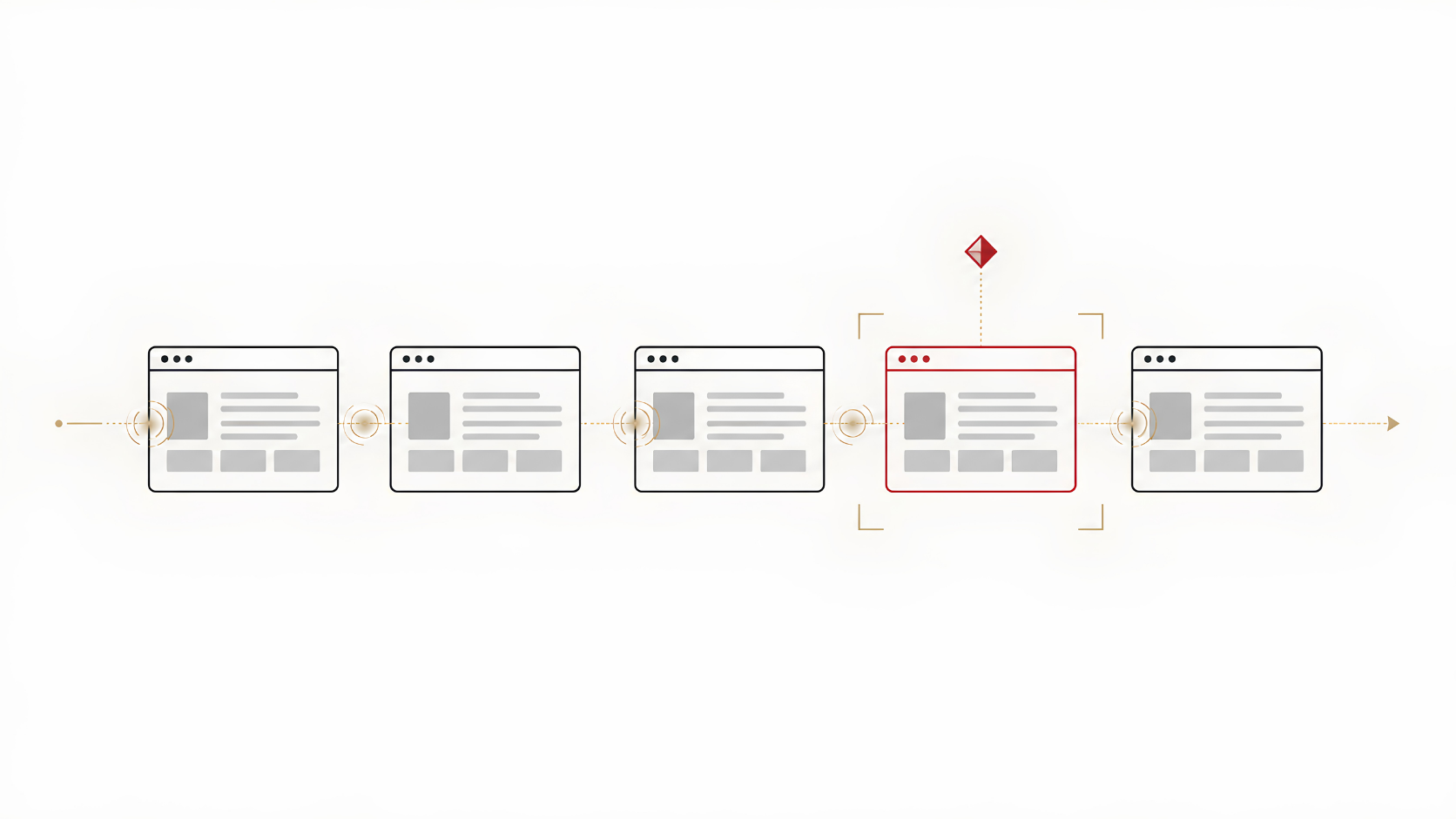
According to the ASD, malicious actors are conducting large scale automated scanning of internet facing websites looking for known vulnerabilities in popular CMS platforms and plugins. Once discovered, vulnerable websites may be exploited to gain unauthorised access, upload malicious files or establish persistent access.
The advisory includes vulnerabilities affecting several platforms, including:
WordPress
Joomla
Craft CMS
MaxSite CMS
MetInfo CMS
For WordPress users, the advisory references active exploitation of vulnerabilities affecting software including:
Ninja Forms
Gravity Forms
WPvivid Backup
Breeze Cache
ThemeREX Addons
ACF Extended
WavePlayer
WPBookit
BerqWP
Simple File List
If your website relies on any affected software and updates have not been applied, your risk may increase.
Why this matters for Australian businesses
Many small and medium businesses outsource their website management to an external agency or freelancer.
That approach is perfectly reasonable, but it also means you're relying on someone else to:
apply WordPress core updates
update plugins and themes
monitor security advisories
remove vulnerable software
verify backups
investigate suspicious activity
If these activities aren't performed consistently, publicly disclosed vulnerabilities can remain exposed long after fixes have become available.
The current ACSC advisory demonstrates how quickly threat actors move to identify organisations that have fallen behind.
Why "We're Too Small to Target" Is One of the Biggest Cyber Security Myths
For years, many small business owners assumed hackers only bothered with banks and big brands. Automation has erased that logic. The ASD notes that advances in automation and artificial intelligence are helping cyber actors identify and exploit publicly disclosed vulnerabilities more rapidly.
That doesn't mean every vulnerable website will immediately be compromised.
It does mean the window between a vulnerability becoming public and attackers searching for it is becoming much shorter than many organisations expect.
What could happen if a vulnerable website is compromised?
Not every unpatched website will be compromised, but organisations that fail to address known vulnerabilities face unnecessary risk. Depending on the nature of the vulnerability, attackers may be able to:
Access sensitive information, including customer contact details, login credentials or other personal information stored within your website or connected systems.
Steal payment information, particularly if payment processing or eCommerce components are compromised. (Where payment information is processed directly by the website.)
Deface your website by replacing legitimate content with malicious or misleading messages, damaging your brand and customer confidence.
Take your website offline, disrupting enquiries, online sales and customer service.
Inject hidden malware that serves malicious code to visitors, potentially exposing customers to phishing, malware or credential theft.
Use your website as a foothold to attempt further attacks against connected systems, business infrastructure or third-party services.
Damage your reputation, resulting in lost customer trust, reduced search engine rankings and potential regulatory obligations if personal information is exposed.
Organisations may also have legal obligations under Australia's Notifiable Data Breaches (NDB) scheme if personal information is compromised.
For many organisations, the reputational impact and business disruption can be significantly more costly than recovering the website itself.
How to Secure a WordPress Site After This Alert
If your website is built on WordPress, you — or whoever manages it for you — should work through the following straight away. Think of it as a rapid self-audit rather than a one-off spring clean.
- Update everything, immediately. Confirm that WordPress core, every theme and every plugin are on their latest versions. Attackers frequently exploit publicly known vulnerabilities that have already been patched by vendors. Pay closest attention to form builders, page builders and backup plugins.
- Remove plugins and themes you no longer use.
- Scan for hidden or altered files. Run a reputable security scanner such as Wordfence or Sucuri to check for unauthorised file changes and injected code. A web shell is designed to hide, so a manual glance at your dashboard will not reveal it.
- Review your access logs. Look for unusual automated traffic, particularly repeated attempts to upload or modify files in your plugin and upload directories. Unfamiliar IP addresses hammering those folders are a red flag.
- Confirm your backups actually work. Make sure a clean backup exists off-site and can genuinely be restored — an untested backup is a hope, not a safeguard.
If you host through an external provider or agency, forward this section to them and ask them to confirm, in writing, that each step has been done. You are entitled to a clear answer.
Three questions to ask your website provider
If your website is managed externally, this is an excellent opportunity to ask your provider:
- Is our WordPress installation fully up to date? Ask whether WordPress core, themes and plugins have been reviewed against the vulnerabilities identified in the latest ACSC advisory.
- What protections do we have beyond updates? Ask whether your website is protected by measures such as a Web Application Firewall (WAF), security monitoring and malware detection.
- Can our website be restored quickly? Regular backups are only useful if they can actually be restored. Confirm how often backups are taken and how quickly recovery can occur.
Reducing operational risk
One lesson from the advisory is that many website compromises occur because organisations inherit ongoing maintenance responsibilities they didn't fully appreciate.
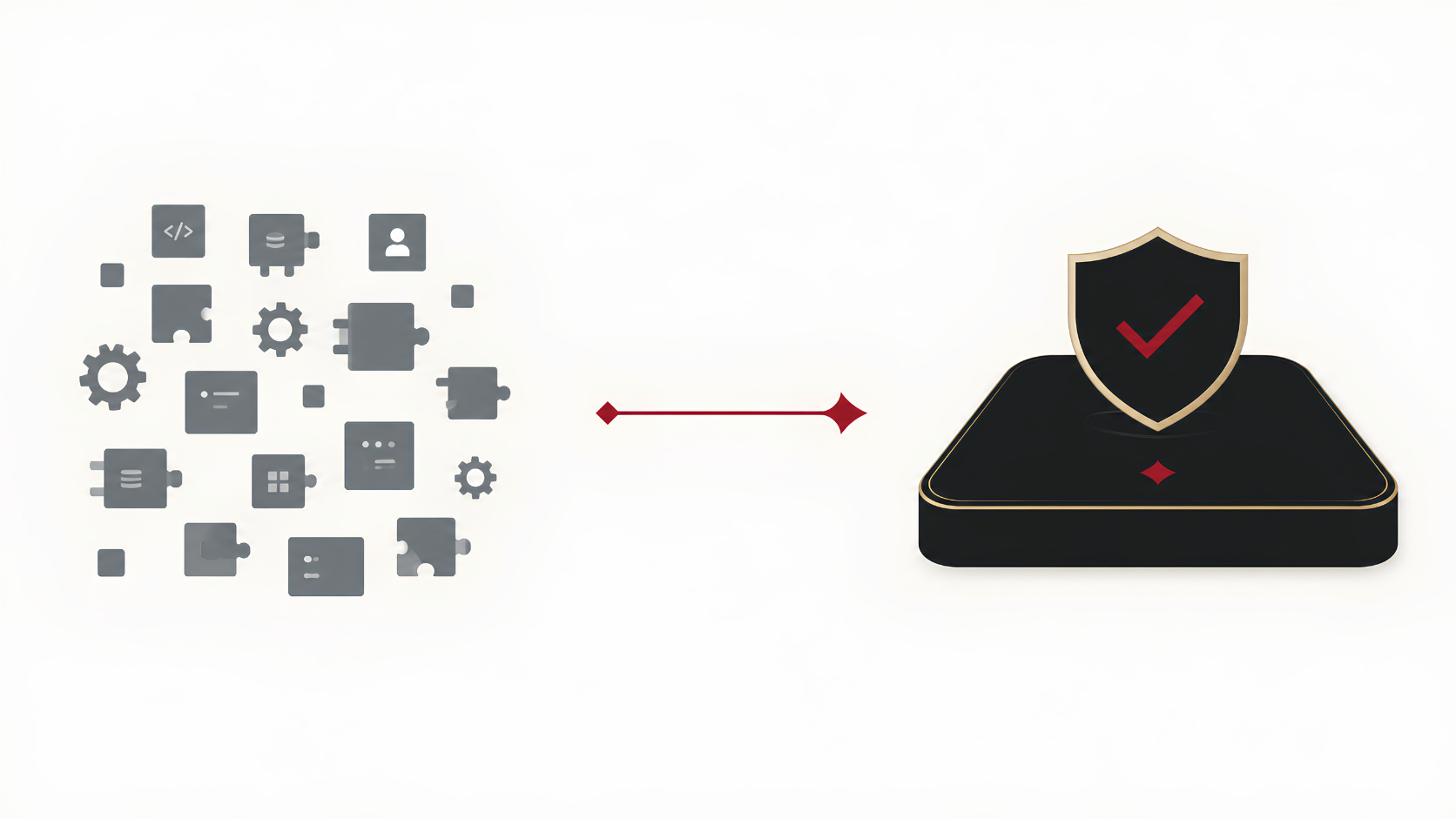
Modern managed website platforms reduce operational complexity by centralising infrastructure management, security updates and platform maintenance. Rather than relying on dozens of independently maintained plugins, security updates are applied at the platform level by dedicated engineering teams.
That doesn't eliminate cyber risk entirely, but it significantly reduces dependence on manually updating dozens of plugins and components.
For organisations that prefer focusing on running their business rather than maintaining website software, this approach can simplify long term website security.
The ASD's latest advisory is not a warning that WordPress itself is unsafe.
It is a reminder that unpatched software remains one of the easiest ways for attackers to gain access to internet facing systems.
Cyber security is no longer just about preventing attacks. It is about reducing the likelihood that routine maintenance becomes tomorrow's incident response.
If you're unsure where your website stands, an independent security review can help identify obvious gaps before attackers do.
What Business Owners Ask
Frequently Asked Questions
Are WordPress sites secure?
WordPress core is reasonably secure when kept fully up to date. The real risk lives in third-party plugins and themes, the most common way attackers get in. A WordPress site is only as secure as its least-updated component.
How secure is WordPress compared with a managed platform?
WordPress can be made very secure, but it requires constant, active management: prompt patching, a web application firewall, malware scanning, hardened configuration and tested backups. A managed platform shifts most of that burden to a central engineering team.
Does WordPress have security issues?
WordPress itself is not inherently unsafe, but its enormous ecosystem of plugins and themes means new vulnerabilities are discovered regularly. Because so many sites run the same popular plugins, a single flaw can expose tens of thousands of websites at once.
How do I know if my WordPress site has been hacked?
Warning signs include unexpected redirects, unfamiliar admin accounts, browser or search-engine warnings, sudden slowdowns, and spam content you did not create. A security scanner and a review of your access logs will confirm whether anything is wrong.
Should I leave WordPress?
Not necessarily. A well maintained WordPress website can be very secure. However, it requires ongoing maintenance, timely updates, security monitoring and careful management of plugins. Organisations unwilling or unable to manage those responsibilities may benefit from a managed website platform that reduces operational overhead.
If it's built, hosted & managed by the Monique Lam Group
No action is required from you in response to this specific ACSC advisory.
The vulnerabilities identified by the ACSC relate to WordPress software and plugins that are not used within our managed website platform.
Our websites are built on a fully managed SaaS platform hosted on AWS, where security updates and platform maintenance are centrally managed. By using native platform capabilities rather than third-party WordPress plugins, we significantly reduce the operational risk associated with plugin vulnerabilities while continuing to follow industry security best practices.
Sources
ASD's ACSC — Large-scale exploitation campaign targeting website content management systems (CMS) · ClickFix distributing Vidar Stealer via WordPress · Annual Cyber Threat Report 2024–2025 · Beeping Computer - ACF plugin bug exposes 50,000 sites